Smart Rules
Create powerful rules with flexible conditions. Match files by name, extension, size, date, tags, and more.
SortMeOut is an AI-powered desktop assistant for macOS that organizes your files, manages your emails, calendar, and contacts, generates images, creates presentations, and controls your entire Mac — all from the menu bar.
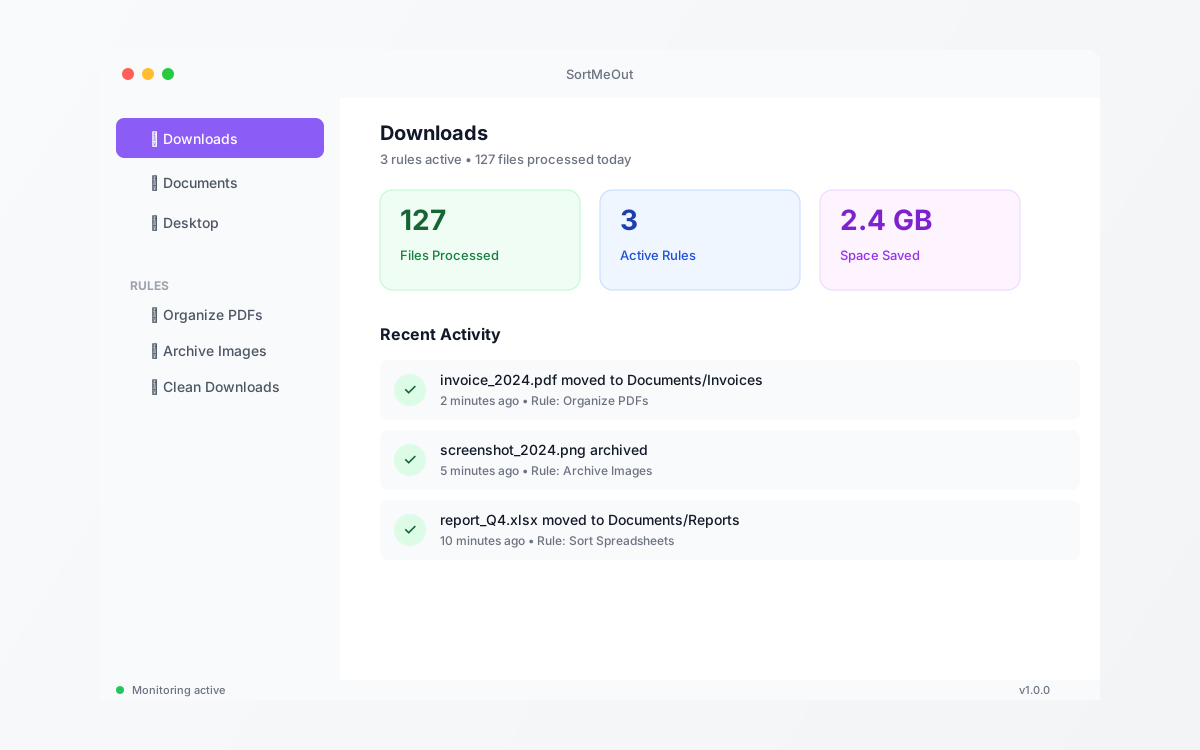
AI assistant, file automation, image generation, email, calendar, contacts, presentations, system control — one app, one menu bar icon.
Create powerful rules with flexible conditions. Match files by name, extension, size, date, tags, and more.
Watch folders in real-time using native macOS file events. Files are processed instantly as they appear.
Full integration with macOS Finder tags. Add, remove, or organize files based on color tags and labels.
Intelligent trash management with automatic cleanup. Set rules to empty trash based on file age.
Chat with your Mac in plain language. Move files, search via Spotlight, manage emails, check calendar, create presentations, and control 30+ system functions.
Generate stunning images from text prompts with DALL·E 3. Plus resize, crop, filter, watermark, and convert — all built in.
Read, search, compose and send emails. View and create calendar events. Search and manage contacts — all through the AI chat.
Create polished PowerPoint presentations from a single prompt. Title slides, bullet layouts, two-column designs, and speaker notes — generated instantly.
Three simple steps to automated file organization
Choose which folders to monitor. SortMeOut watches for new and modified files in real-time.

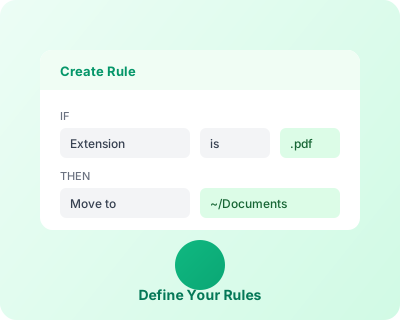
Define conditions and actions. Match files by name, type, size, date, or any combination—then specify what happens.
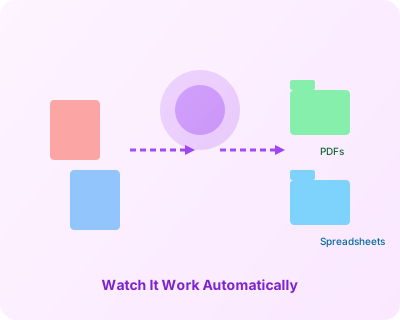
SortMeOut handles everything automatically. Your files are organized, renamed, archived, or processed exactly as you specified.
See how simple it is to create powerful automation rules
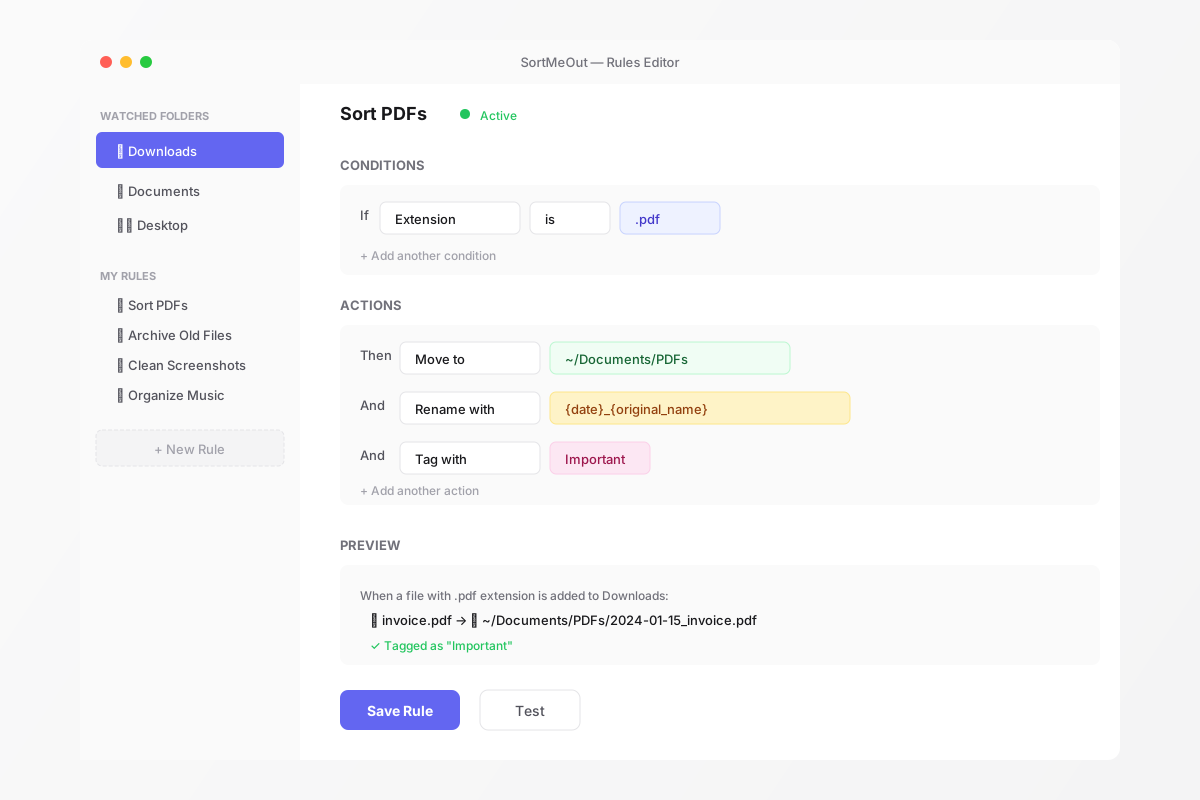
When a file with extension pdf appears, it will be moved to ~/Documents/PDFs
A clean, native macOS experience
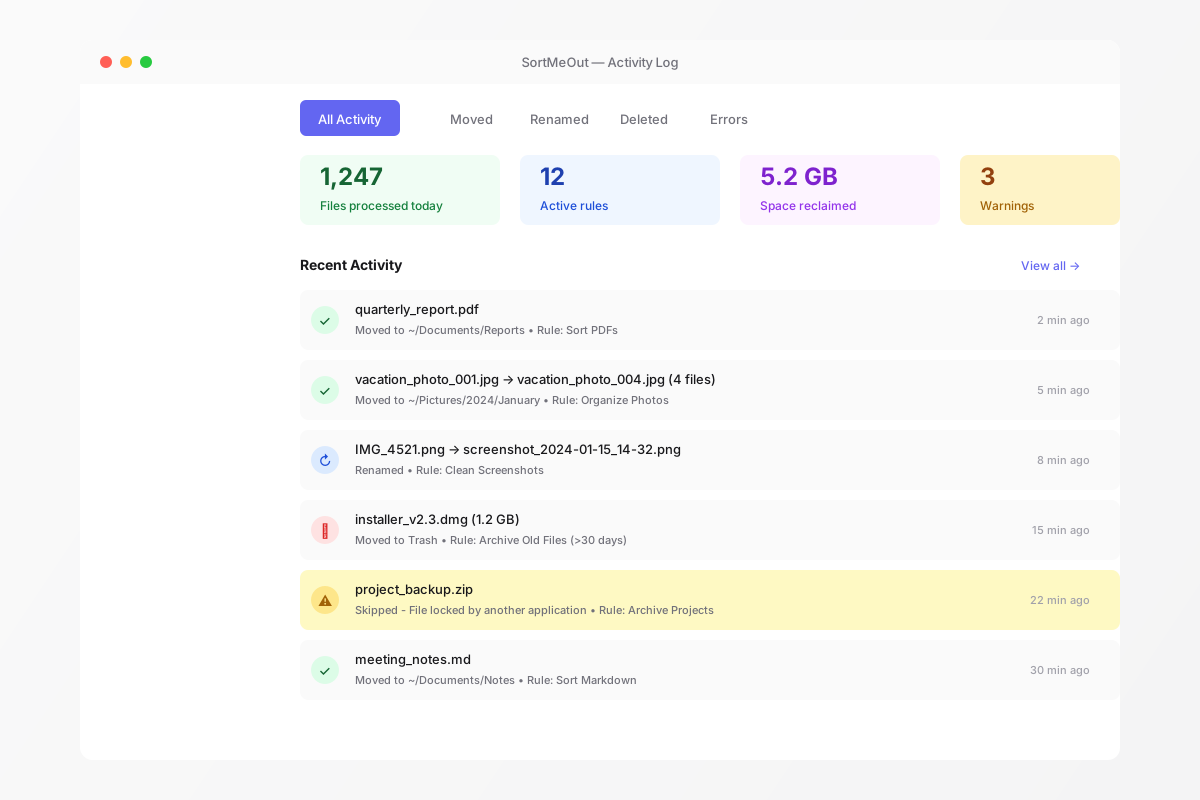
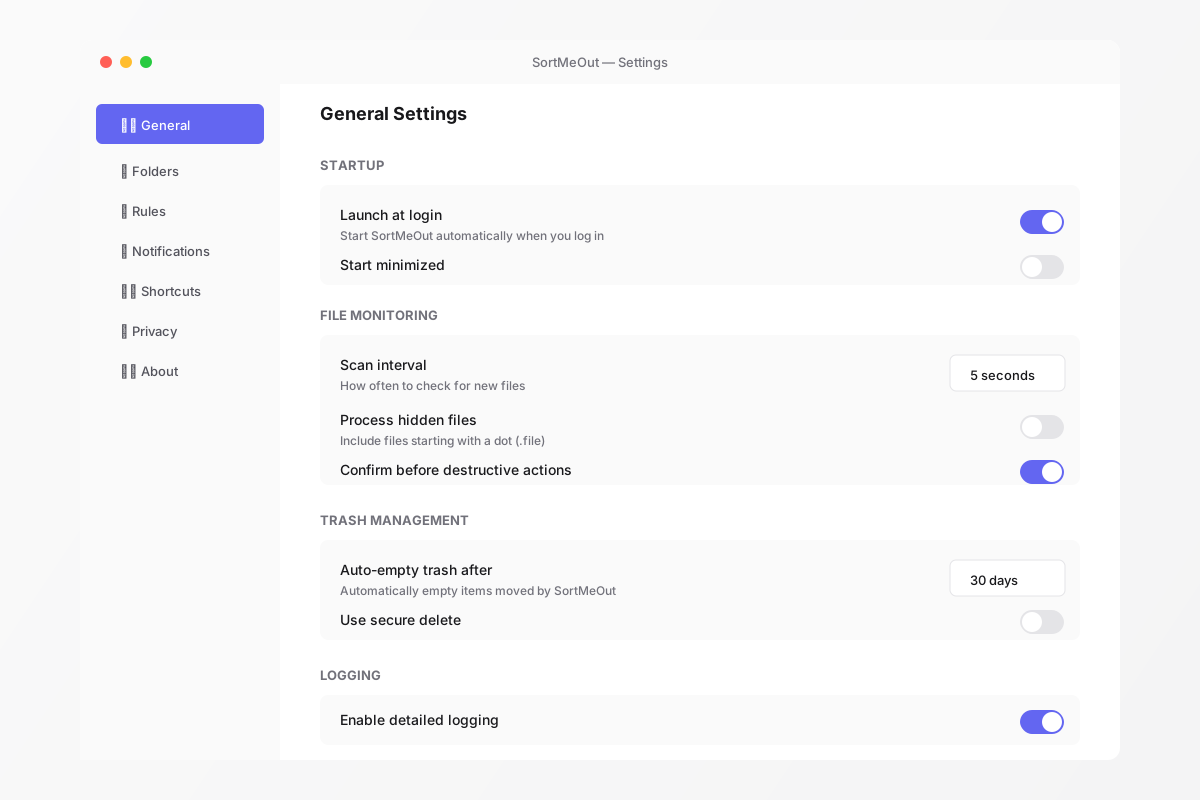
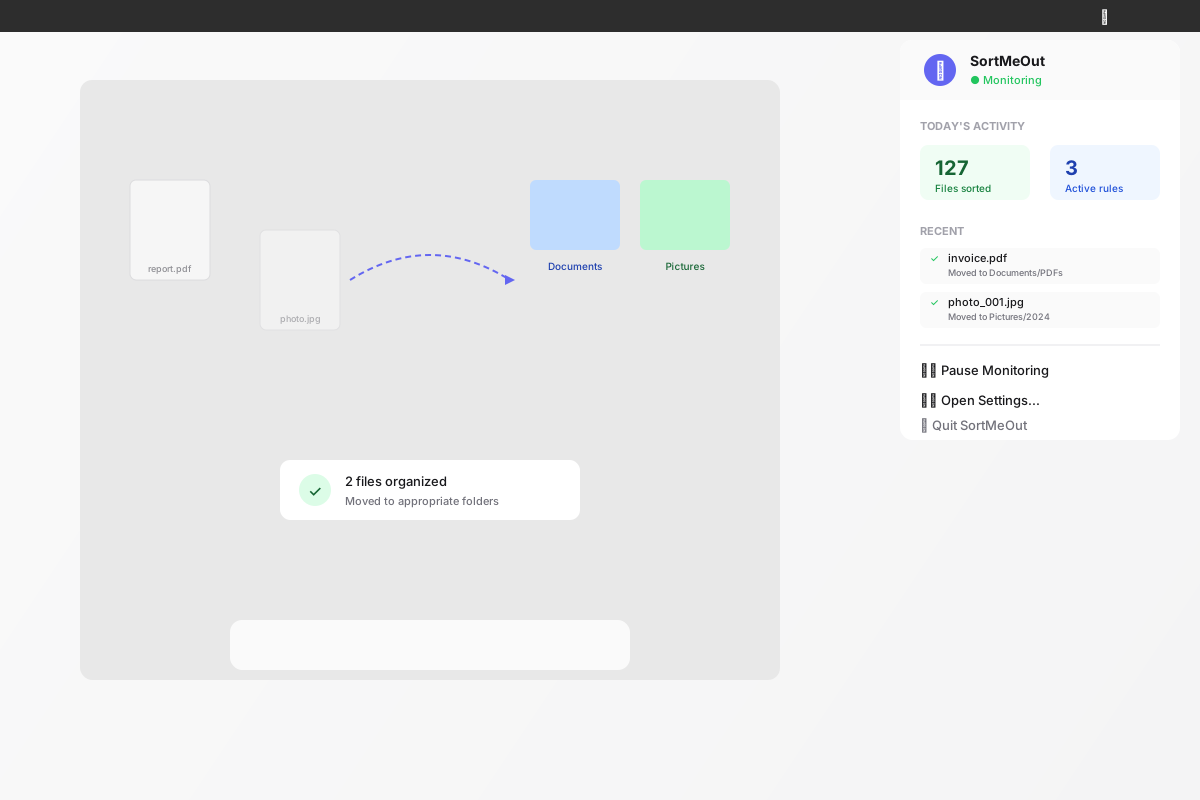
Start with a 7-day trial, then upgrade to Pro for the full experience
Your AI assistant is powered by Anthropic's Claude — the same model trusted by leading enterprises. Image generation uses OpenAI's DALL·E 3 for stunning visuals from text. Both included in Trial and Pro at no extra cost.
Download SortMeOut and start automating your files today.
AI-powered file organization that works the way you think.